
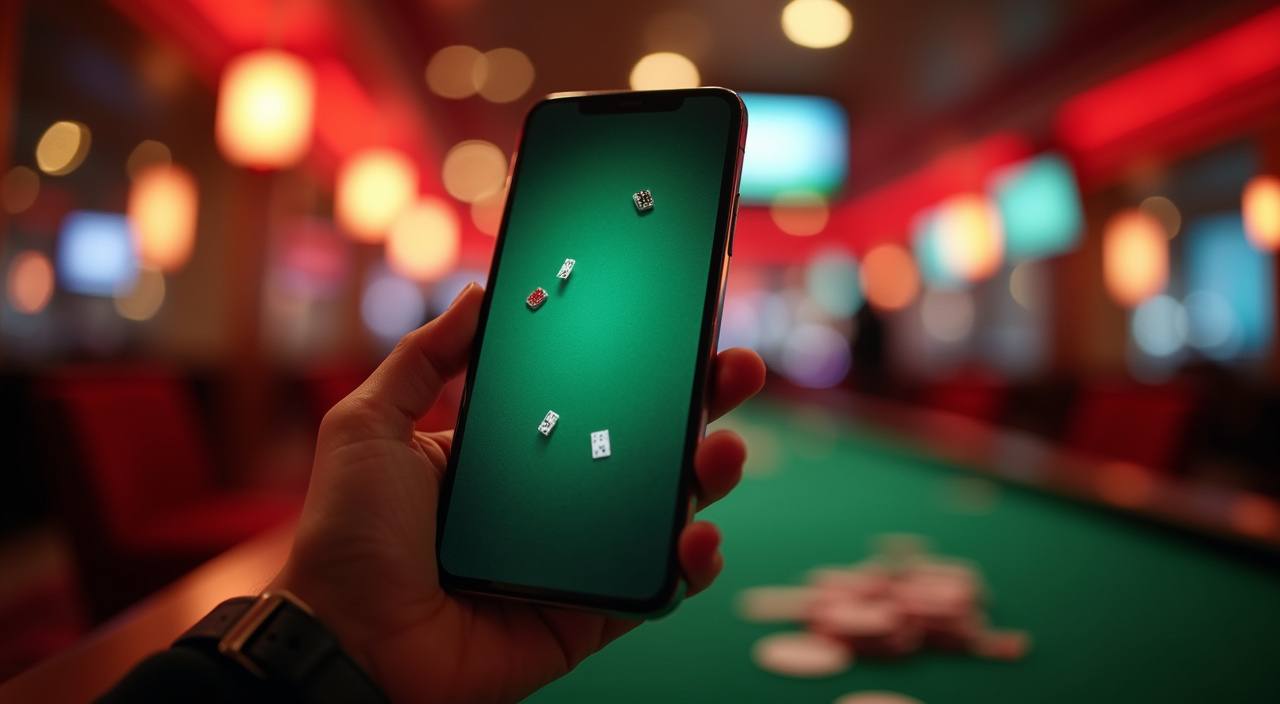
Mobile Access in 3 Steps
Getting the ba3333 mobile session running takes less time than most app downloads. There is no APK to sideload and no app-store listing to hunt for — the process is browser-based and straightforward. Step one: open ba3333 in Chrome, Firefox or your default Android or iOS browser and confirm the URL is correct. Step two: check that your browser is a recent
version — the lobby uses standard web APIs, and an outdated browser may not render live-table streams correctly. Step three: sign in with your account credentials; if your device supports biometrics, accept the prompt and subsequent logins skip the password field entirely. Once in, the full lobby — slots, live casino, cricket sportsbook — is one tap from the home screen if
you add the site to your bookmarks.
- Open ba3333 — Type the address directly or use your existing bookmark — confirm the domain before entering any account details.
- Check browser compatibility — A current version of Chrome or Firefox on Android or Safari on iOS covers all live-table and slot features without extra configuration.
- Sign in securely — Enter your credentials once; accept the biometric prompt if your device offers it so future logins use fingerprint or face-ID instead.
- Bookmark for quick return — Add ba3333 to your home screen or browser bookmarks — it opens like an installed app without taking any storage space.